



Shopify themes
Shopify themes for streetwear brands.
A store that looks like a custom build, set up in Shopify’s theme editor without a developer.
Paid once, no subscription. Works with any Shopify plan.
The Lineup · Both editions
Line up the whole drop.
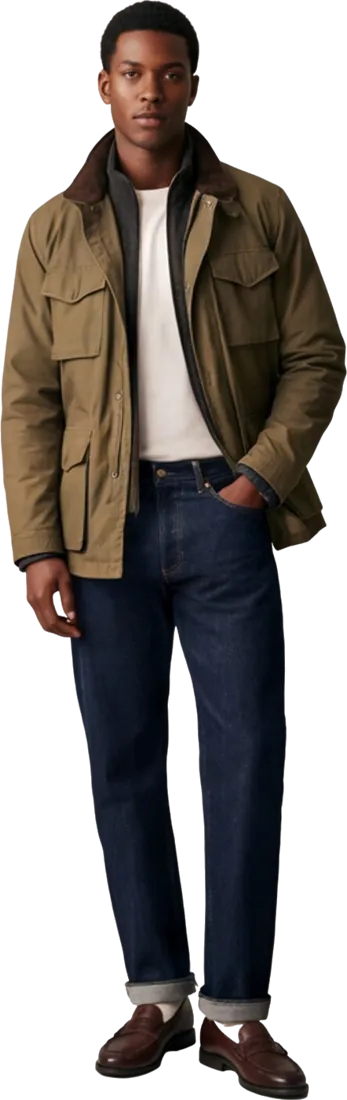
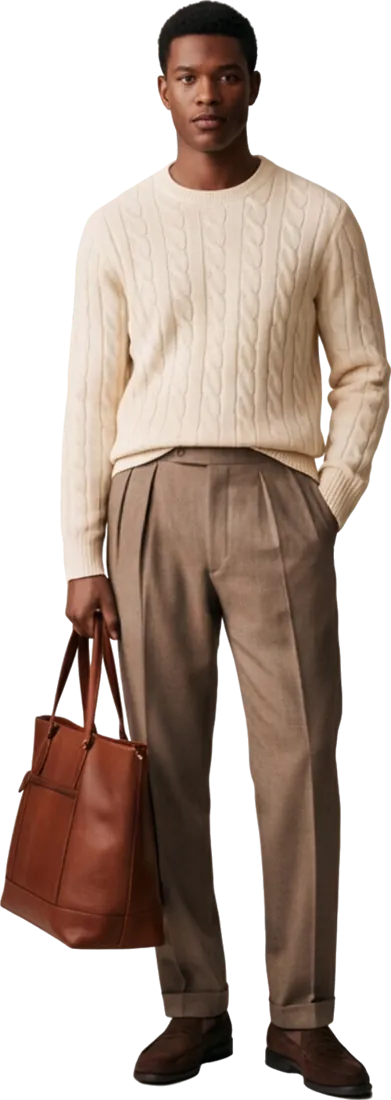
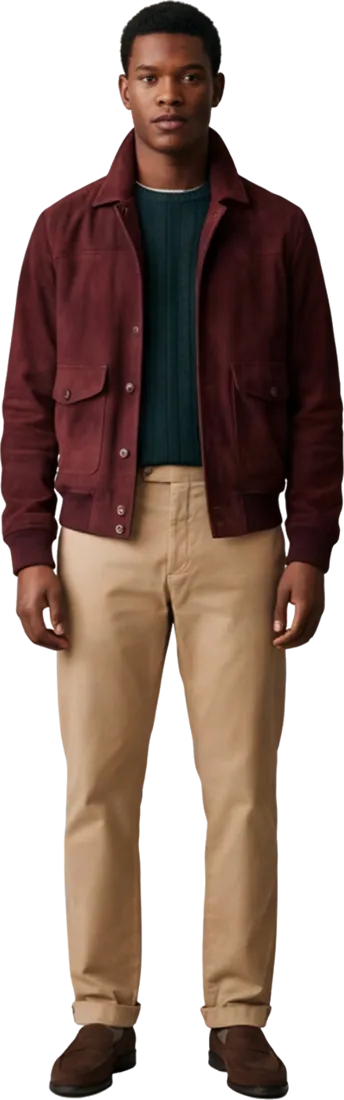
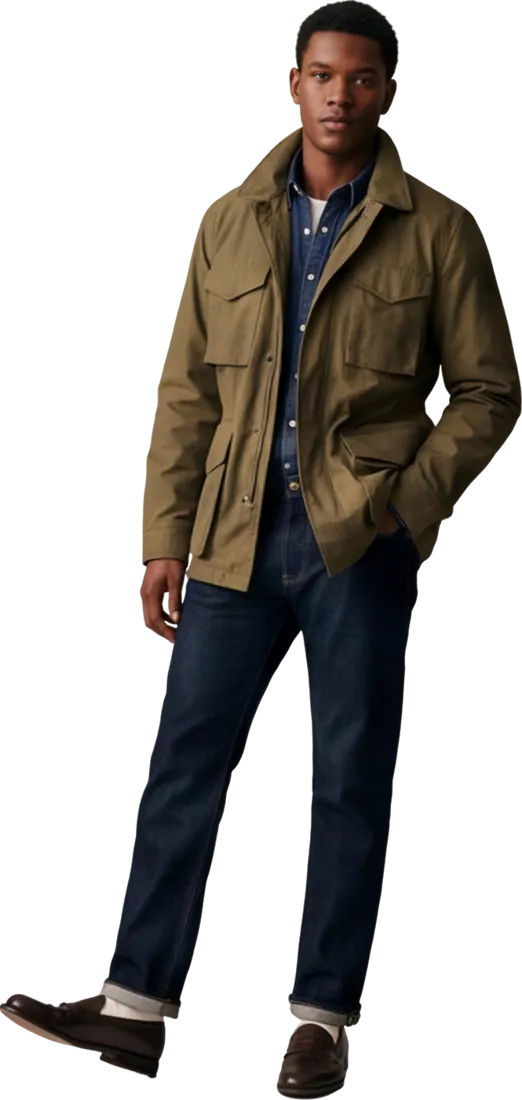
Add full-length photos with the background removed and your looks stand in a curve, the front one largest. Drag it, swipe it or let it turn by itself. Click the front look to open its product.
- Drag & swipe
- Turns on its own
- Links to products
- Up to 14 looks
Live demo stores
See a store like yours.
Open the demo closest to your brand and click around. That’s the store you’d start from.


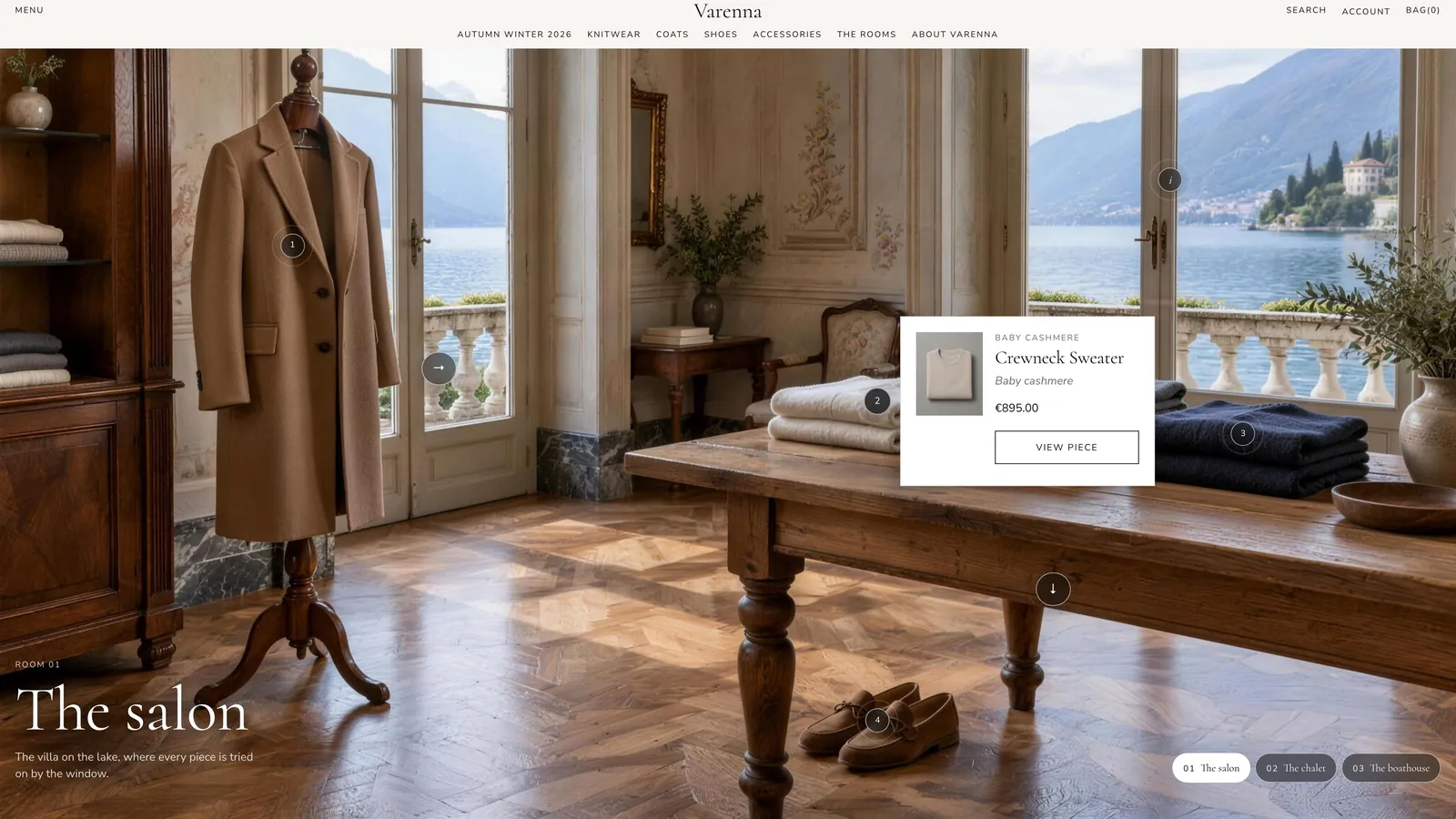
A quiet-luxury knitwear brand with shoppable rooms you walk through.

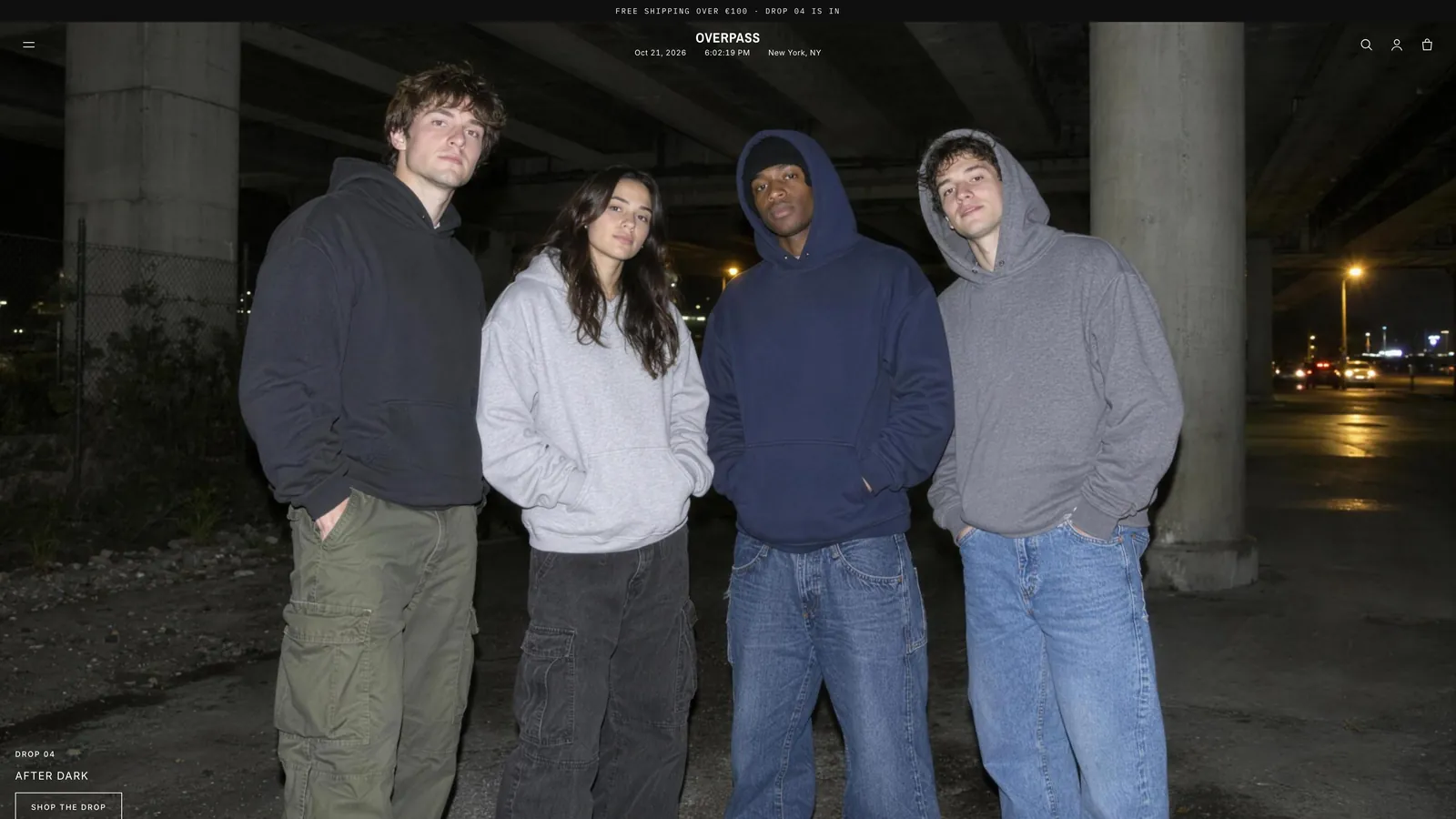
Night street photos, a live store clock and a turning lineup of looks.


Serif headings, cream and forest green, a stream of looks.


Heavy condensed headlines and five products across on wide screens.


Grey paper with grain, an italic logo and an offset product grid.


Navy kit, light serif headlines, material tags and a race countdown.
Demo store password: neverskipbreakfast

-
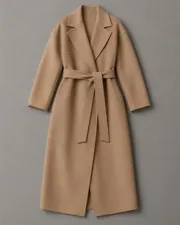
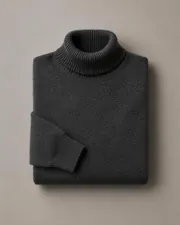
 Wool OvercoatDouble-faced wool, unlined$890
-
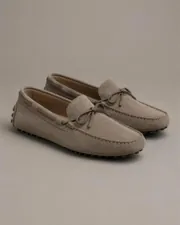
 Court SneakerCalf leather, stitched cup sole$260
-
 Boxy TeeHeavy organic jersey$65
-
Packed tonightOrders placed before the doors close leave this corner the same evening.

-
Wool OvercoatDouble-faced wool, unlined$890
-
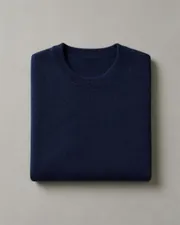
 Merino CrewneckFine-gauge merino$180
-
Boxy TeeHeavy organic jersey$65
-
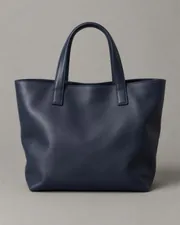
 Leather ToteVegetable-tanned leather$460
-
 Curb ChainRecycled silver, 45 g$240
-
 Heavy HoopsRecycled gold$145
-
 Derby ShoeBox calf, Goodyear welted$520

-
 Linen BlazerWashed linen, unstructured$420
-
 Silk Slip DressSilk satin, bias cut$310
-
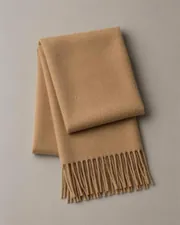
 Cashmere ThrowBrushed cashmere, fringed$380
-
 Oval SunglassesAcetate, mineral lenses$210
-
Drop at midnightCapsule 03 goes live up here. Join the list to get in first.
Rooms people walk through.
Every number on the wall is a product. Point at one, or keep scrolling and we’ll walk you round. In the theme, each label opens the product page.
Pick your edition
Two editions. Paid once.
Both are set up in Shopify’s theme editor. Galerie adds rooms, a runway and a gallery wall for brands that want the store to feel like a place.
$39one-time
Pick one of five store styles, then add drops, lookbooks and quick add from the theme editor.
- Five store styles, each with a live demo
- Countdown, drop list and pre-orders
- Shoppable lookbooks
- Quick add with sizes on every card
- Size and fit on product pages
- Your own fonts and colours
 Galerie
For immersive stores$59one-time
Everything in frontrow, plus rooms your customers walk through.
- Everything in frontrow
- Shoppable rooms with numbered labels
- Doorways that lead from room to room
- A runway of looks you scroll through sideways
- A gallery wall of freely hung pieces
- Settings carry over when you upgrade
Galerie edition · The Varenna demo
Walk through Varenna.
Tap a number to see the piece, its material and price. Take a doorway to the next room. This is Varenna, the Galerie demo store.

By appointment



The boat
Built in
Built in, so you need fewer apps.
Lookbooks, drop tools, quick add and size and fit are part of the theme. You still need your Shopify plan; you don’t need an app for each of these.
-
Lookbooks that sell
Each look links its pieces and opens in a lightbox. Past seasons stay as an archive.
-
Drop and launch tools
A countdown in your store’s time zone, a sign-up list on the password page, a bag timer with a real close time, and pre-orders.
-
Quick add
Sizes on every product card. Shoppers add to the bag without opening the product.
-
The Lineup
Show full-length looks on a turning arc; clicking the centre look opens its product.
-
Your fonts, your colours
Pick Shopify fonts or upload your own. A colour scheme per section.
-
Size and fit
Model height and size worn, a five-step fit scale and a size guide, straight from your product data.
Same products, different store
The same pieces, in a grid and in a room.
Drag across. On the left, a collection grid. On the right, the same kind of pieces in a frontrow Galerie room, each numbered label opening its product.

How it works
From default Shopify to your brand.
Pick your edition
frontrow or frontrow Galerie, paid once. The theme file and the install guide arrive by email.
Upload it
In Shopify, open Online Store → Themes and upload the ZIP. It takes about a minute.
Choose a store style
Street, Gallery, Train, Layer or Club. Then add your logo, fonts and colours in the theme editor.
Publish
Add your photos and products, check the store on your phone, then publish it.
FAQ
Questions.
Can I install it myself?
Yes. Upload the ZIP in Online Store → Themes, pick a store style and change the rest in Shopify’s theme editor. No code, and the install guide walks you through it.
Do I need a developer?
No. Everything is set up in Shopify’s theme editor: sections, blocks, store styles, fonts and colours.
Will my apps still work?
Yes. It’s built on Shopify’s current theme system, so apps add their blocks to product pages and their embeds anywhere, without code.
Do I get updates?
Your licence never expires, and when we release an update it’s free for you. We decide what goes into updates and when, so we can’t promise particular features or dates.
Can I upgrade to Galerie later?
Yes. Galerie is the same theme with the immersive sections added, so your settings and content carry over.
Is the countdown in the bag real?
Yes. It only appears when you set a real drop close time, and it shows "This drop has closed" after that. There are no fake per-visitor timers.
Can I use it on more than one store?
Each licence covers one live store. Development and staging stores are free to use.
What if it doesn’t work for me?
If the theme doesn’t work as described and we can’t fix it, you get a full refund when you ask within 14 days of purchase.
Your clothes are ready.
Now the store.
Pick a store style, upload it to Shopify and change the rest in the theme editor. Paid once.
